

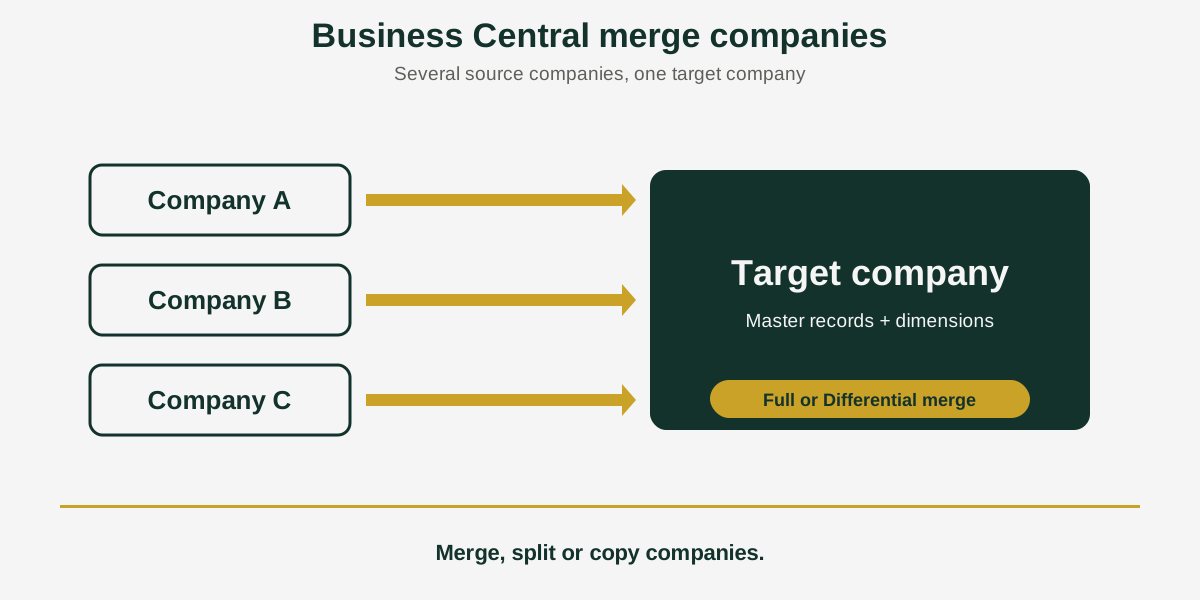
Short answer: to merge companies in Business Central, Acumens Split-Merge-Copy Company brings the master records of several source companies into one target company, with a Full or Differential merge. It can also split one company into several or copy a set of data into another company.
Two subsidiaries have run as separate companies for years. Now the business has to merge companies in Business Central, and the same customer exists in both, under different account numbers. Someone has to decide which record survives, what happens to the dimensions, and how to avoid keying everything in again.
Acumens Split-Merge-Copy Company, from SBC Dynamics ERP, handles company merges, splits and copies inside Business Central. This guide shows how to merge companies in Business Central in five steps.
Merge, split or copy: which do you need?
- Merge: combine multiple source companies into one target company.
- Split: divide one company into several, using filters or business rules.
- Copy: copy a specified set of data from one company into another, which helps when you set up a new company.
A merge is different from consolidation reporting, which rolls up figures from several companies. A merge brings the records themselves from the source companies into one target company.
How to merge companies in Business Central, step by step
1. Pick the source companies and the target
You define the source companies and one target company. The app brings the records from several sources into the target without manual ledger exports.
2. Choose what gets merged
The app merges master records: G/L Accounts, Customers, Vendors, Items, Resources and Fixed Assets. Default Dimensions, Dimension Set Entries and historical VAT Entries come across with them, and so do Customer Ledger Entries, as related records of the Customer master record. Transactional documents such as posted invoices are not merged.
3. Decide how records are matched
- Merge into Existing: updates existing records, or creates missing ones, using the original source number.
- Create New: keeps the source number for the first instance and creates prefixed duplicates for later matches.
- Create New with Prefix: prefixes every incoming record with the source company code, so you can trace where it came from.
4. Choose a Full or Differential merge
A Full Merge is a clean re-merge: it deletes the rows merged previously, then merges again. A Differential Merge copies only the records that have not been merged yet, so you can bring over newer records from each source company without starting over.
5. Run it when it suits you
Systems teams can set up scheduled runs, so large datasets are processed overnight.
Splitting one company into several
When a division, region or product line needs its own company, the Split function uses defined filters, business rules or segmentation to create multiple companies from one.
Copying data into a new company
Copy takes a specified set of data from one company and puts it into another. It is a quick way to set up the configuration of a new company.
Questions to settle before you merge
- Which company is the target?
- Which customers, vendors, and items exist in more than one source company?
- Which record-matching option keeps the traceability you need?
- Will you merge once (Full) or keep bringing over new records (Differential)?
- Who signs off on the merged master data?
Who should use it
Companies combining entities after an acquisition or a restructure, businesses separating divisions, regions or product lines into their own companies, and teams that set up new companies from an existing configuration.
Availability
Acumens Split-Merge-Copy Company is available from Microsoft AppSource and as an on-premises version, for Business Central and Dynamics NAV. For a demo, setup help or training, contact the SBC Dynamics ERP team.
[Frequently Asked Questions: paste the HTML from faq-merge-split-companies.html here, in the Text tab]
Closing line: Want to see how to merge companies in Business Central with your own data? Contact the SBC Dynamics ERP team, or browse our other Acumens add-ons.