

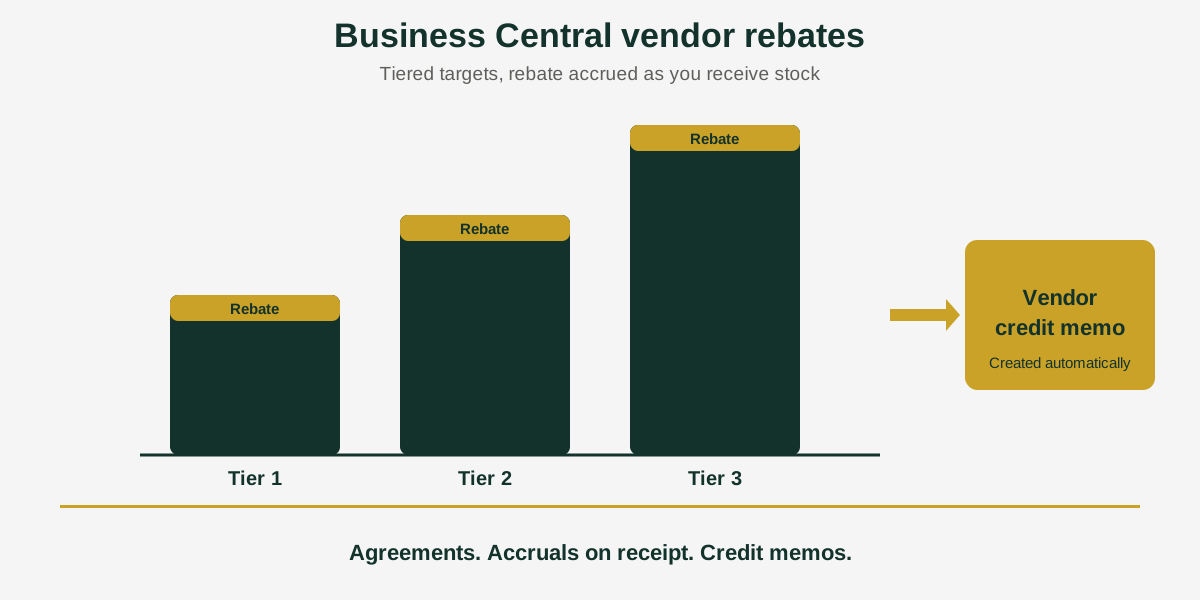
Short answer: Business Central vendor rebates are credits a supplier gives you when you reach agreed purchase levels. Acumens Vendor Rebates automates the agreements, tiered calculations, accruals on receipt and vendor credit memos, and reports on the result, for Business Central and Dynamics NAV.
Suppose a supplier agrees to give you a rebate once you pass a purchase target. Twelve months later, three questions are hard to answer: was the target met, how much have you earned, and did the credit memo ever arrive? If the agreement lives in an email and the tracking lives in a spreadsheet, the honest answer is often “we think so”.
Acumens Vendor Rebates, from SBC Dynamics ERP, moves the whole rebate lifecycle into Business Central. Here is how it works, one step at a time.
The vendor rebate lifecycle in 5 steps
1. Set up the agreement
A rebate agreement carries its validity dates, currency and qualifying criteria. You can tie it to vendors, items or promotions, and set the rebate by item or item category, vendor or vendor category, resource or G/L account. Categories can reflect purchase volume, product type, strategic importance or region.
2. Choose the program and the calculation
Volume or value-based rebates, tiered volume rebates and growth rebates can run side by side under different qualifying criteria. Each rebate can be calculated per unit, as a percentage, or on a tiered structure.
3. Let it accrue as you buy
Rebates accrue when you receive goods, and they are reversed or adjusted when you return them. You can post rebates instantly on receipt or process them in monthly batches, whichever suits your close.
4. Watch progress against the target
The app monitors purchases against the targets in each agreement, so you can see when a threshold has been met instead of finding out at year end.
5. Collect the credit
Vendor credit memos are created automatically, and there is a manual generate-and-post option in setup if you prefer it. Rebate liabilities reach the general ledger as they arise.
Two ways to account for a rebate
Each program has a processing type, which decides where the rebate lands in your books.
- Inventory: the rebate reduces the cost of the items.
- Expense: the rebate posts to a G/L account through the Purchase Journal, with the Pay-To Vendor and Rebate Vendor No. recorded.
Reporting
The Vendor Rebate Details Report shows purchase amounts, calculated rebates, vendor postings and the status of each rebate. That gives purchasing and finance one set of numbers to agree on, and a clear answer when a supplier asks what has been claimed.
Who benefits
Purchasing teams get visibility of targets while they can still act on them. Finance gets accruals and credit memos that follow the receipts and returns. If your suppliers pay rebates for volume, value or growth, this is the work the app takes off your desk.
Rebates on the customer side
If you also pay rebates to customers, see our Acumens Claims & Rebates app for that side of the business.
Availability
Acumens Vendor Rebates is available from Microsoft AppSource and as an on-premises version. For a demo, setup help or training, contact the SBC Dynamics ERP team.
Frequently Asked Questions
Does Business Central handle vendor rebates out of the box?
Standard Business Central does not include dedicated vendor rebate functionality, so many companies track rebates manually or outside the system. Acumens Vendor Rebates adds agreements, configurable rules and automated posting.
Can I run more than one rebate program at a time?
Yes. Volume or value-based, tiered volume and growth rebates can run in parallel under different qualifying criteria.
When are vendor rebates calculated and posted?
Rebates accrue when you receive goods and are reversed or adjusted on returns. You can post them instantly on receipt or process them in monthly batches.
How do I know when I have reached a rebate target?
The app monitors purchases against the targets in each rebate agreement, so you can see when a threshold has been met.
Are vendor credit memos created automatically?
Yes. Credit memos are created automatically, and a manual generate-and-post option is available in setup.
What is the difference between inventory and expense processing?
Inventory processing reduces the cost of the items. Expense processing posts the rebate to a G/L account through the Purchase Journal, recording the Pay-To Vendor and the Rebate Vendor No.
Which report shows rebate details?
The Vendor Rebate Details Report shows purchase amounts, calculated rebates, vendor postings and rebate status.
Is Acumens Vendor Rebates available for on-premises Business Central?
Yes. It is available from Microsoft AppSource and as an on-premises version.
Closing line: Want to see how your supplier agreements would be set up? Contact the SBC Dynamics ERP team, or browse our other Acumens add-ons.