

Short answer: Obsolete inventory in Business Central is stock that has stopped moving but still sits on your books. Acumens Excess & Obsolete Inventory ages your stock automatically, alerts you when items reach obsolescence thresholds, and posts write-offs through a structured workflow with general ledger integration and a full audit trail.
Every distributor and manufacturer has some stock that never sold. It ties up working capital, takes up warehouse space, and tends to surface as an unpleasant surprise at year end. Standard Business Central records every item ledger entry and movement date, but it does not warn you when stock is going stale, its reports are fixed in format, and write-offs are manual adjustments with limited audit visibility.
Acumens Excess & Obsolete Inventory, from SBC Dynamics ERP, fills that gap for Microsoft Dynamics 365 Business Central and Dynamics NAV.
What is Acumens Excess & Obsolete Inventory?
It is a Business Central extension that identifies excess and obsolete stock, alerts the right people, and standardizes how it is written off. It is built for distributors and manufacturers who need to see what is not selling before it becomes a loss.
4 ways it helps you manage obsolete inventory
1. Automated inventory aging
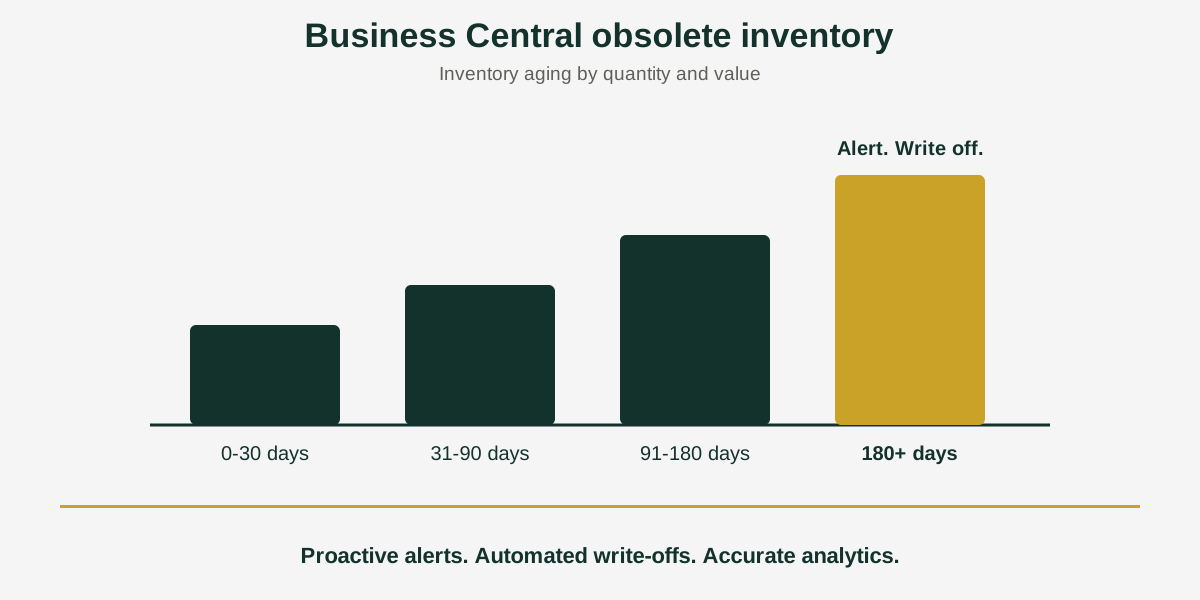
Stock is aged automatically and grouped into buckets such as 0 to 30, 31 to 90, 91 to 180, and over 180 days. You do not have to build the aging by hand each month.
2. Proactive alerts
The app notifies managers when inventory reaches obsolescence thresholds. That gives them time to discount, return or reallocate stock before it has to be written off.
3. Structured write-offs
Write-offs follow one standard workflow, with automated general ledger integration and a full audit trail. Every write-off is posted the same way and can be traced afterwards.
4. Analytics you can drill into
An Inventory Aging view shows quantity and value, and drill-down dashboards let you move from the total to the items behind it. This goes beyond the built-in insights in Business Central.
Why it matters
- Frees working capital tied up in slow-moving or expired stock.
- Lowers carrying costs such as storage, insurance and taxes.
- Makes room in the warehouse for fast-moving items.
- Helps write off stock in the correct fiscal period, which keeps financial statements accurate.
Cleaning up old stock records works well alongside Acumens data compression, which keeps your Business Central database lean
Who should use it?
Distributors and manufacturers that carry large item ranges, buy ahead of demand, or deal with expiring or slow-moving stock. If your year-end stock count regularly turns up items nobody remembers, this is the problem the app is built for.
Availability
Acumens Excess & Obsolete Inventory is available from Microsoft AppSource for cloud and as an on-premises version. For a demo, setup help or training, contact the SBC Dynamics ERP team.
Frequently Asked Questions
How do I find obsolete inventory in Business Central?
Standard Business Central tracks item ledger entries and movement dates, but it has no proactive obsolescence alerts and its reports are fixed in format. Acumens Excess & Obsolete Inventory adds automated aging calculations and an Inventory Aging view that shows quantity and value, with drill-down dashboards behind it.
What aging buckets does the app use?
Stock is grouped by age, for example 0 to 30, 31 to 90, 91 to 180, and over 180 days. You can see at a glance how much of your inventory, in quantity and in value, is sitting in each band.
Can Business Central warn me before stock becomes obsolete?
With Acumens Excess & Obsolete Inventory, yes. The app sends notifications when inventory reaches the obsolescence thresholds, so managers can act before the loss is locked in.
How do I write off obsolete inventory in Business Central?
In standard Business Central, a write-off is usually a manual adjustment with limited audit visibility. The app provides a structured write-off workflow with automated general ledger integration and a full audit trail, so every write-off is posted the same way and can be traced.
Why does the timing of a write-off matter?
Writing off stock in the correct fiscal period keeps your financial statements accurate and avoids surprises at year end. Ask your accountant how write-offs should be treated for tax in your country.
Who needs excess and obsolete inventory management?
It is built for distributors and manufacturers, where unmanaged stock ties up working capital and warehouse space.
Is it available for on-premises Business Central?
Yes. Acumens Excess & Obsolete Inventory is available from Microsoft AppSource for cloud and as an on-premises version.
Closing line: Want to see how much of your stock is older than 180 days? Contact the SBC Dynamics ERP team, or find the app on Microsoft AppSource.
Want to see how much of your stock is older than 180 days? Contact the SBC Dynamics ERP team, or browse our other